

ECI Home Roof Visualizer
Picture Your Next Roof.
Use your home. Compare real roofing choices. Start a better conversation with ECI.
Upload a clear exterior photo, explore ECI-offered Owens Corning shingle colors, and save the looks you want to review during your inspection.
01
Add your home
02
Choose a roof
03
Review with ECI
Start With Your Home
Your photo stays in this browser and is not uploaded to ECI.
Best results: front or angled exterior view, good daylight, roof fully visible. JPG, PNG, or WebP up to 12 MB.
Design Workspace
Choose the Look.
Current roof direction
Owens Corning TruDefinition® Duration® · Onyx Black
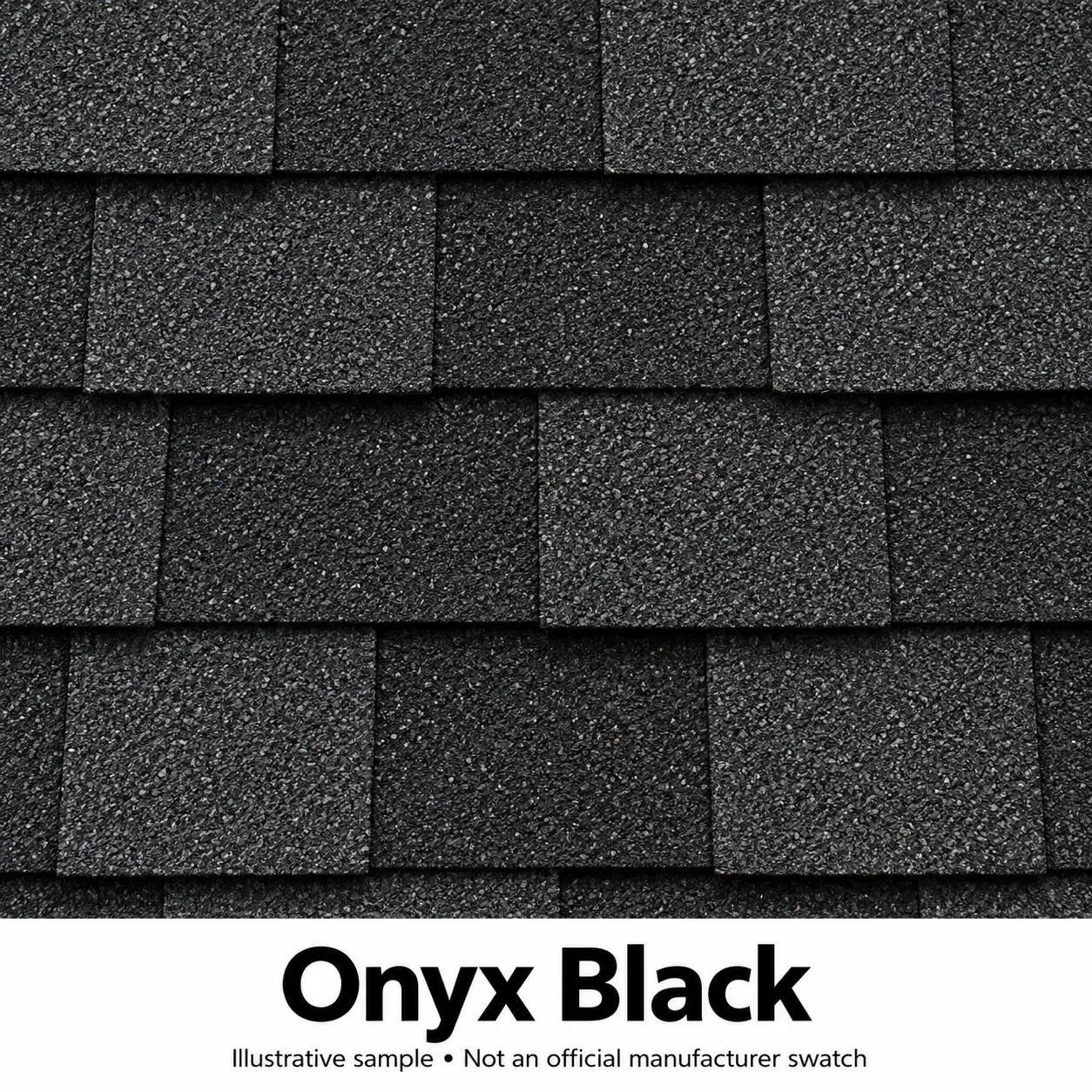
This planning view places your home beside an illustrative shingle reference; it does not digitally alter the roof in your photo. Screen colors vary. ECI confirms final choices with manufacturer samples.
Saved Directions
Compare Your Favorites.
Save up to two options. ECI will help you compare appearance, features, availability, and complete installed scope.
Choose a shingle line and color above, then save your first design.
Bring the Direction to Life
Review It With a Roofing Professional.
Send your preferred direction to ECI. We’ll inspect your roof, verify the product and color with physical samples, and prepare the right scope for your property.
No final product decision is required.
Your photo remains on your device.
Final availability and installed pricing are confirmed by ECI.